Reservations that feel like part of your restaurant

A booking widget, staff dashboard, and branded confirmation emails, embedded into any existing website with one script tag. No per-cover fees. No plugins. No backend.

index.html
<script src="https://postonero.com/embed.js"
        data-site="your-restaurant" defer></script>
How it works

Up and running in minutes

No build step, no framework requirements, no backend to manage. Works on any website.

01

Add one script tag

Drop the Postonero embed script into your restaurant's website. That's the only code change needed: no plugins, no theme edits, no rebuild required.

02

Guests book directly on your site

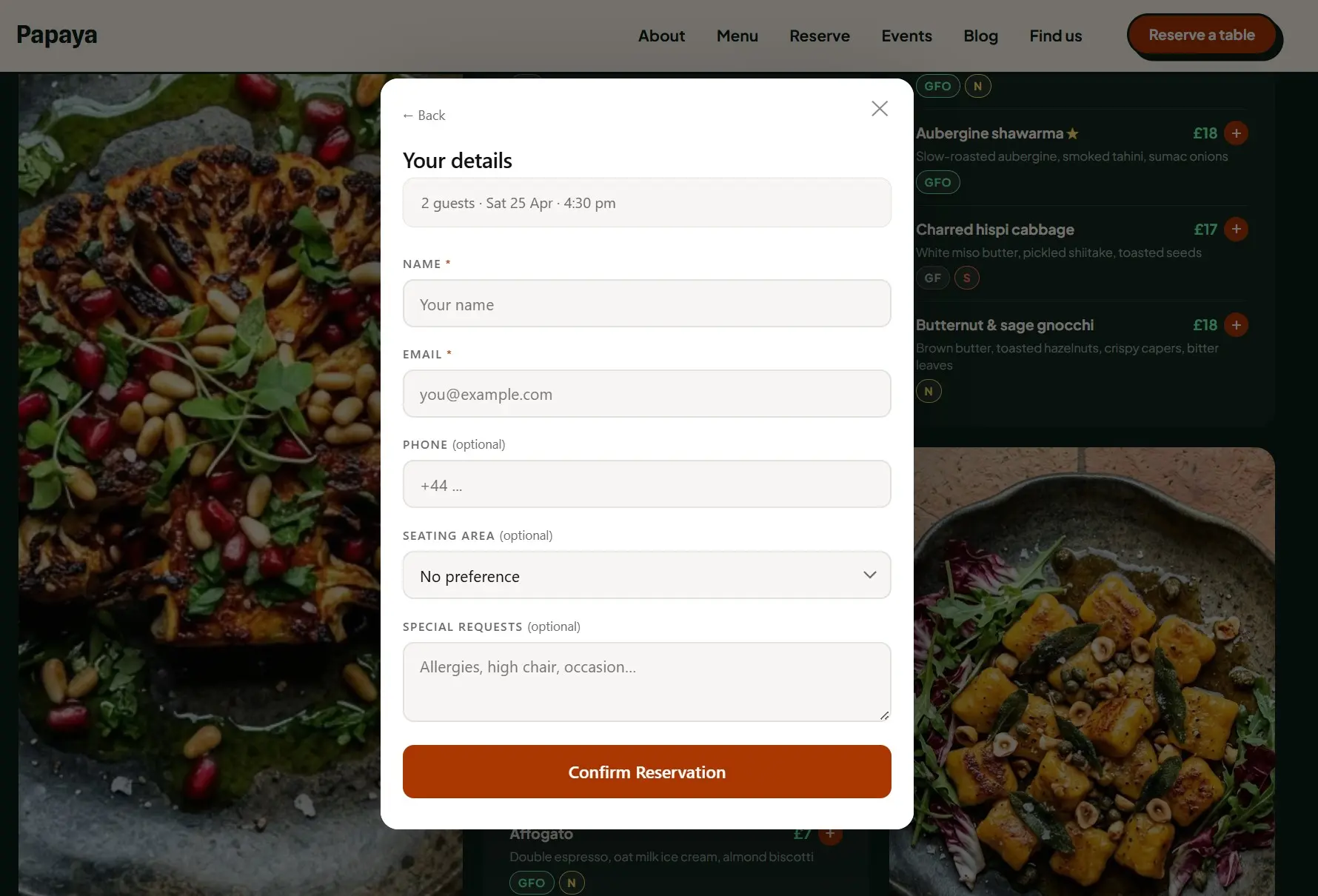
The widget opens on your page: party size, date, available time slot, contact details. Brand colours adapt automatically. No redirects, no third-party booking pages.

03

Manage from the dashboard

View upcoming reservations, add manual bookings, approve or reject requests, and keep everything in one place. No extra software, no training required.

See it live

The real Postonero widget, exactly what your guests will see. Adjust the theme and accent colour to see how it fits your brand.

Type
Theme
Accent
See full demo site →

Features

One script tag. The full system.

Built for independent restaurants: no enterprise bloat, no per-cover fees.

Loads as an isolated iframe: zero style leakage to your site, zero impact on page performance. Resizes automatically to fit any container.

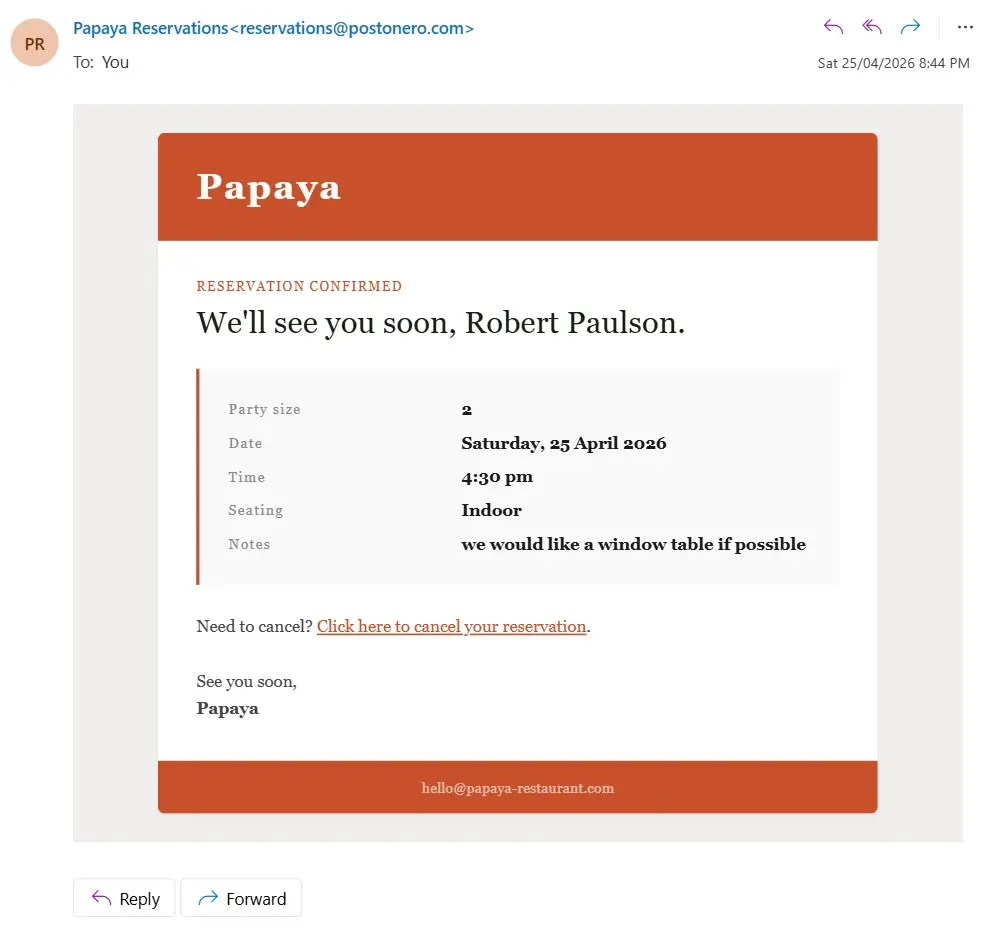
Guests receive a well-designed confirmation email with their booking details and a one-click cancel link. Your name, your colours.

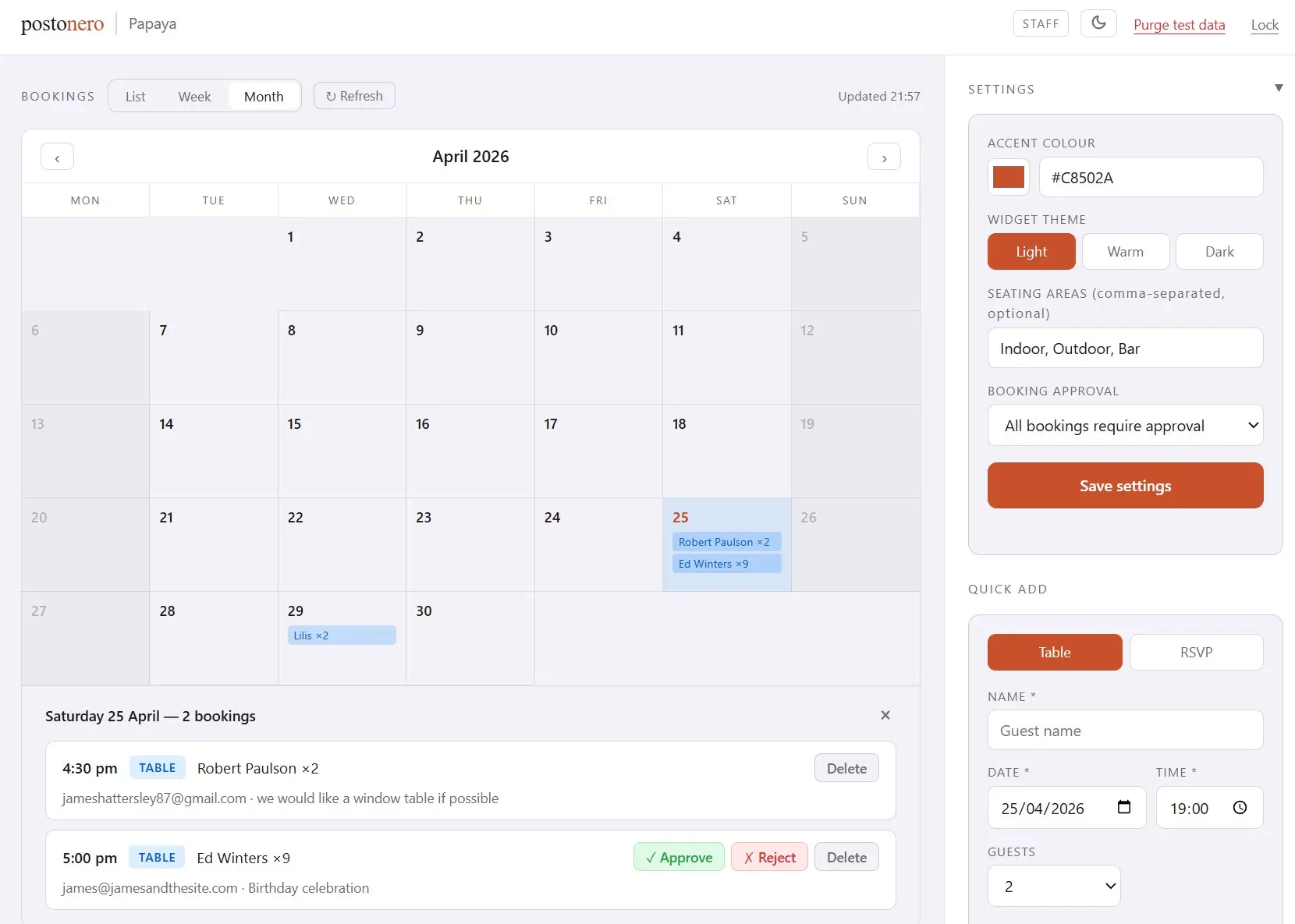
Calendar and list view of all bookings. Quick-add manual reservations. No separate software, no monthly login fees for staff.

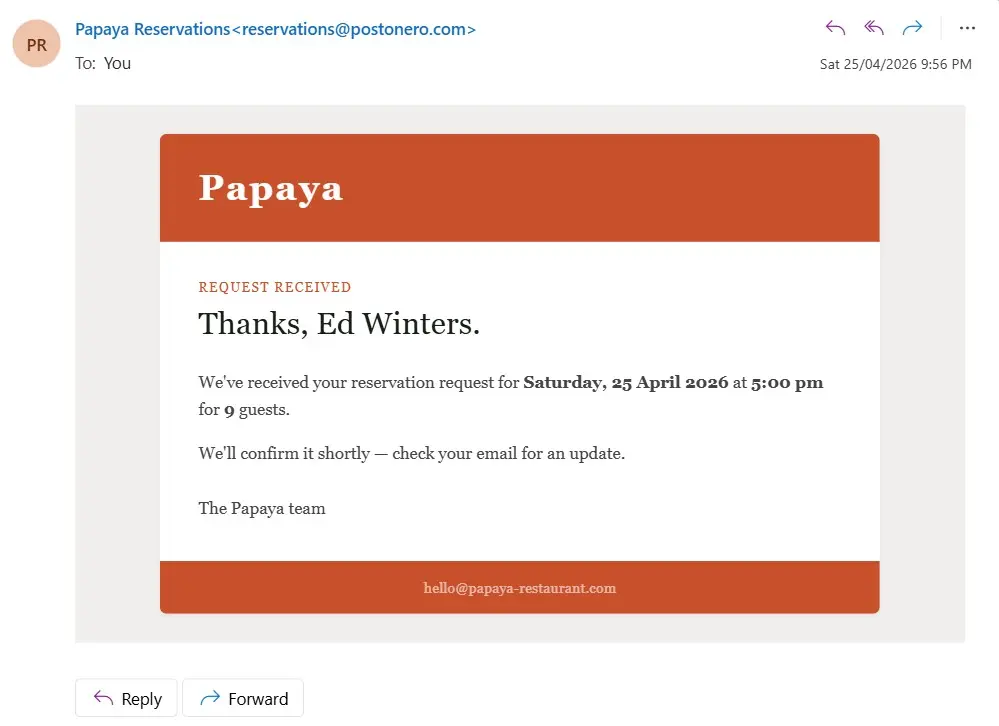
Optional pending mode: guests submit a request, staff approve or reject with one click from their inbox. Useful for busy services or private dining.

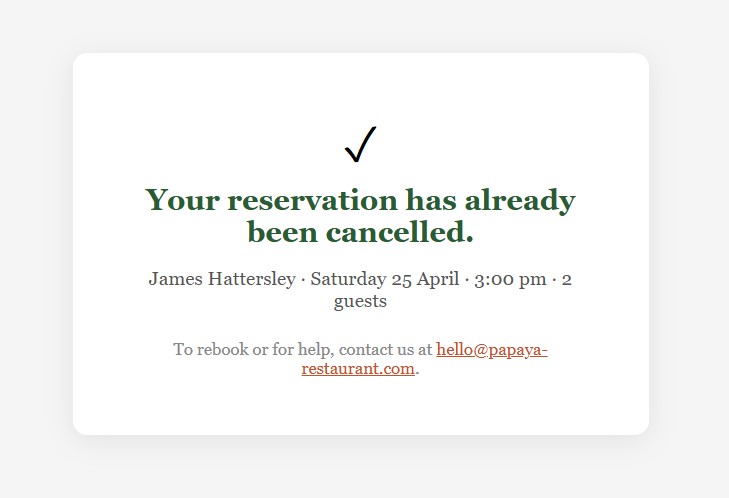
Guests cancel their own booking via a secure link in the confirmation email. No phone calls, no chasing, no awkward conversations.

Postonero booking widget showing the guest details step: name, email, phone, seating area and special requests
Branded confirmation email with reservation summary and a one-click cancel link
Postonero staff dashboard showing the booking calendar and upcoming reservations list
Postonero approval flow: a pending booking shown in the dashboard with approve and reject options
Guest-facing cancellation confirmation page after clicking the cancel link in their email

Simple, honest pricing

One flat monthly rate. No setup fees, no per-cover charges, no hidden costs.

Postonero is included at no extra cost with restaurant websites built by jamesandthesite.com.

Interactive plan
2 years free
£20/month included for 24 months

The Interactive website plan includes Postonero fully integrated and pre-configured: widget, dashboard, and confirmation emails, ready from launch day.

Full Identity plan
3 years free
£20/month included for 36 months

The Full Identity plan extends your complimentary Postonero access to three years, alongside custom branding, photography, and full online identity management.

After the included period, billing continues at the standard rate. Learn about website plans →

What you'd pay everywhere else

Most booking platforms charge per cover — on top of a monthly fee. The busier you get, the more you pay them.

Platform Monthly fee Per-cover fee At 500 covers/mo Lock-in You own the data
OpenTable Basic ~£118 £1.19/cover ~£713 Yes No
OpenTable Core ~£237 £0.79/cover ~£632 Yes No
TheFork varies ~£2.17/cover ~£1,085+ Varies No
SevenRooms from £555 None from £555 Yes Yes
Resy from £198 None from £198 Varies No
ResDiary from £99 None from £99 Usually Yes
Postonero £20 None, ever £20 No Yes
💸
A restaurant receiving 500 covers a month via OpenTable's network pays around £713/month — just in fees. That's over £8,500 a year, not counting their existing subscription. At Postonero, that same restaurant pays £240 a year. The difference doesn't go to a platform. It stays in the restaurant.

Competitor fees converted from USD/EUR at approximate current rates. OpenTable per-cover fees apply to bookings made via the OpenTable marketplace and app. TheFork per-cover fees apply to all bookings made through their platform. SevenRooms pricing based on reported industry figures — not publicly listed. All prices subject to change.

Dig deeper: the full OpenTable cost breakdown, the 8 best alternatives, head-to-head Postonero vs OpenTable, or browse all guides.

FAQ

Common questions

Everything you need to know before getting started.

What is Postonero?
Postonero is a restaurant booking system that embeds into any existing website via a single script tag. It provides a guest-facing booking widget, a staff management dashboard, and automated branded email confirmations, with no per-cover fees and no backend to manage.
How long does setup take?
Most restaurants are live within a day. Once your site record is created, you add one script tag to your existing website and configure your opening hours and covers. No new infrastructure, no framework requirements, no developer needed long-term.
Does it work with my existing website?
Yes. Postonero loads as an isolated iframe from a single script tag. It works with any website regardless of platform: WordPress, Squarespace, Wix, Webflow, custom-built, or static HTML. No plugins, no theme changes required.
Are there per-cover fees or commission charges?
No. Postonero charges a flat monthly rate. Early access (until 1 August 2026): £20/month per restaurant. Sign up before that date and your rate is locked — no rate hikes planned until at least 1 January 2028. Standard rate from 1 August 2026: £40/month. Either way, no per-cover fees, no commission on bookings, no transaction charges. You keep all revenue from every reservation.
What happens when a guest makes a booking?
The guest selects their party size, date, preferred time, and enters their contact details in the widget. A confirmation email, branded to your restaurant, is sent immediately. The booking appears in your staff dashboard. Guests can cancel themselves via a secure link in the confirmation email, no phone call needed.
Can I add bookings taken by phone or in person?
Yes. The staff dashboard includes a quick-add form for walk-ins, phone reservations, and any booking taken outside the widget. Manual entries appear in the same calendar and list view as online reservations.
Questions?

Want a live demo, or have something to ask?

Ready to sign up? Skip the form — go straight to Sign up →. Otherwise, drop us a message and we'll get back to you within one business day.

Message received.
We'll be in touch within one business day.